English
 中文简体
中文简体 русский
 Español
 Deutsch
You can learn the recent information of Shijing.

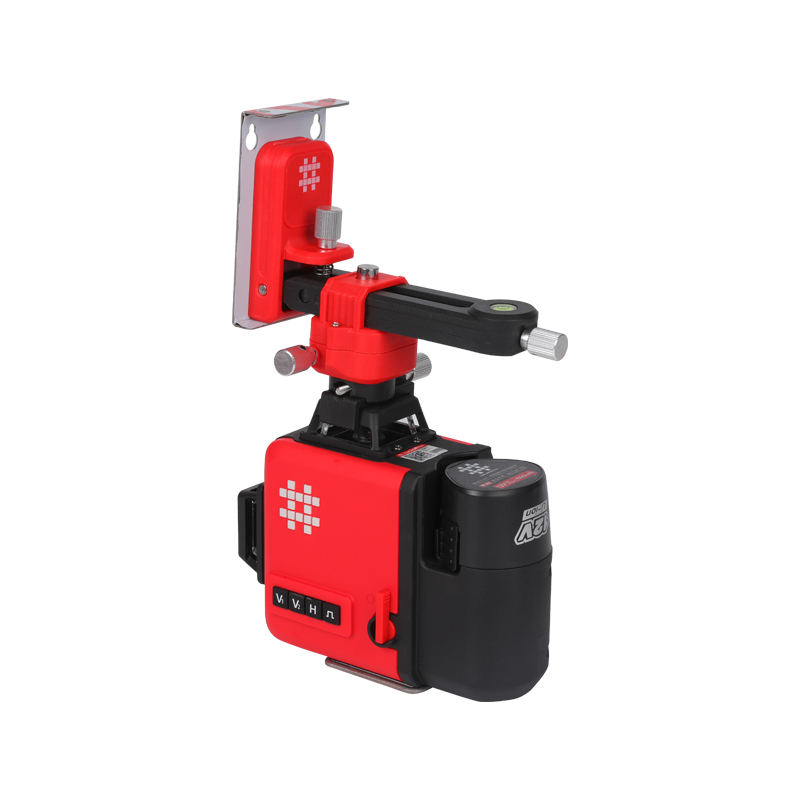
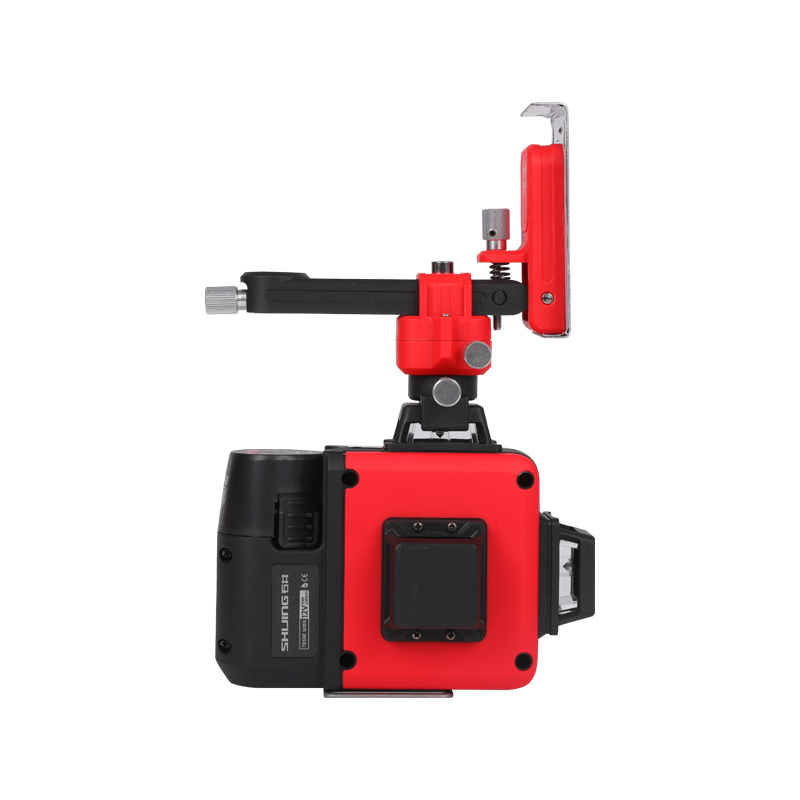
When people compare a 12 Lines Laser Level with basic line tools, the first reaction is often simple. Both create straight reference lines, both help with alignment, and both are used in installation work. At a glance, the difference does not seem very large.
But once these tools are used in real working conditions, especially in indoor environments where multiple surfaces need to connect, the gap becomes clearer. The difference is not only about how many lines are projected. It is more about how the work process changes.
Understanding basic line tools in daily use
Basic line tools usually project one or two reference lines. These lines may be horizontal, vertical, or sometimes both, depending on the design.
In everyday work, they are often used for simple alignment tasks such as:
- Marking a straight line on a wall
- Aligning a single row of fixtures
- Checking level across a short distance
- Supporting small installation tasks
They are straightforward and familiar. For short and simple jobs, they can work well.
However, their limitation appears when the work becomes more connected across different surfaces.
Understanding a 12 Lines Laser Level in practice
A 12 Lines Laser Level projects multiple lines at the same time, usually covering different directions.
This creates a visual reference across walls, floors, and ceilings within one working space.
Instead of guiding one line at a time, it provides a network of lines that can be used together.
In real use, this supports:
- Multi direction alignment
- Simultaneous reference across surfaces
- Continuous visual guidance
- Faster adjustment during installation
The idea is not just more lines, but more connected alignment.
Core difference in working approach
The biggest difference is not in the tool itself, but in how the work is carried out.
With basic line tools, alignment is built step by step. One line is used, then another, and the user connects them mentally.
With a 12 Lines Laser Level, alignment is visible across multiple directions at the same time.
This changes the workflow in a noticeable way.
How alignment is handled with each tool
Basic line tools
- One direction is checked at a time
- Multiple steps are required for multi surface work
- Alignment depends on repeated measurement
- Users switch between different reference points
12 Lines Laser Level
- Multiple directions are visible at once
- Surfaces can be aligned together
- Less switching between steps
- Visual reference stays consistent during work
This difference becomes more important as the task becomes more complex.
Impact on wall installation tasks
In wall work, alignment usually involves multiple points across a surface.
With a basic line tool, each section may need to be measured and checked separately. Even if the process is careful, small variations can appear between sections.
With a 12 Lines Laser Level, the wall can be guided by a continuous reference.
This helps:
- Keep direction consistent across longer distances
- Reduce repeated measuring
- Align multiple elements along the same line
- Improve overall visual consistency
The wall becomes one connected reference instead of separate points.
Impact on ceiling installation
Ceiling work often requires coordination with wall positioning.
Using a basic line tool, this usually involves switching between surfaces and rechecking alignment.
With a multi line projection, both wall and ceiling references can be seen at the same time.
This allows:
- Direct comparison between surfaces
- Easier alignment across vertical and horizontal directions
- Less interruption during setup
- More stable positioning decisions
It reduces the need to mentally connect separate references.
Floor layout differences
Floor layout often sets the base for the entire project.
With basic line tools, layout is built step by step. Each direction may need separate checking.
With a 12 Lines Laser Level, layout direction becomes visible across the whole area.
This supports:
- Faster planning at the early stage
- Better consistency in direction
- Reduced marking work
- Easier adjustment before installation begins
The layout feels more continuous.
Multi surface coordination
Basic line tools
- Work is done surface by surface
- Alignment must be transferred manually
- More steps are needed to connect surfaces
12 Lines Laser Level
- Multiple surfaces are visible at once
- Alignment is shared across directions
- Less need to transfer reference manually
This makes a difference in projects where walls, floors, and ceilings all interact.
| Aspect | Basic line tools | 12 Lines Laser Level |
|---|---|---|
| Line projection | Single or limited | Multiple directions |
| Workflow | Step by step | Continuous visual guidance |
| Surface coverage | One at a time | Multi surface at once |
| Adjustment process | Repeated checking | Real time visual adjustment |
| Installation feel | More segmented | More connected |
Effect on workflow speed
Basic line tools tend to slow down when tasks involve repeated alignment.
Each new section may require measuring and rechecking.
A 12 Lines Laser Level allows alignment to be seen continuously, which reduces interruptions.
This often leads to:
- Fewer pauses during work
- Faster positioning decisions
- Smoother transitions between steps
- Less need for repeated measurement
The workflow feels more fluid.
Effect on consistency across the project
Consistency is not only about getting one point correct. It is about keeping all points aligned throughout the project.
With basic tools, consistency depends on repeating the same accuracy at every step.
With a continuous visual reference, consistency becomes easier to maintain.
This helps:
- Reduce small accumulated differences
- Keep direction stable across surfaces
- Improve overall visual alignment
The final result often looks more uniform.
Learning curve and ease of use
Basic line tools are simple and familiar. Most users can understand them quickly.
A 12 Lines Laser Level may look more complex at first because of multiple lines.
However, in practice, users often find that:
- Visual guidance reduces the need for calculation
- Alignment decisions become more intuitive
- Less measuring is required during work
Once the basic setup is understood, the working process becomes easier.
When basic line tools are still practical
There are situations where basic line tools are still suitable.
These include:
- Small scale tasks
- Single direction alignment
- Short distance work
- Simple installations
In these cases, the simplicity of a basic tool may be enough.
When a 12 Lines Laser Level becomes more useful
A 12 Lines Laser Level becomes more practical when:
- Multiple surfaces need to connect
- Alignment must stay consistent across a larger area
- Repeated layout tasks are involved
- Visual guidance can reduce rework
In these situations, the benefit of continuous reference becomes more noticeable.
Common misunderstandings about the difference
Some people think the difference is only about the number of lines.
In reality, it is more about how those lines are used.
The key difference is:
- Basic tools support step by step alignment
- Multi line tools support continuous visual alignment
Understanding this helps in choosing the right tool for the task.
Factors that influence tool performance
Regardless of tool type, performance is affected by several factors:
- Surface condition
- Lighting environment
- Stability during setup
- Working distance
- User handling
These factors influence how clearly the lines can be seen and how accurately they can be followed.
Practical habits for better results
Good usage habits help improve results with either type of tool.
These include:
- Checking setup before starting
- Observing alignment from different angles
- Making adjustments early
- Keeping the tool stable
These simple actions often make a noticeable difference.
The real difference between a 12 Lines Laser Level and basic line tools is not only in the number of lines they project. It is in how they support the working process.
Basic line tools rely on step by step measurement and repeated checking. A 12 Lines Laser Level provides continuous visual reference across multiple surfaces, allowing alignment to be seen and adjusted in real time.
For simple tasks, both can be useful. For more connected or larger projects, the difference becomes clearer.
In the end, the choice depends on how the work is done and how much visual guidance can help keep alignment consistent from start to finish.
.jpg "7565E 5 Lines Laser (Green Light)")
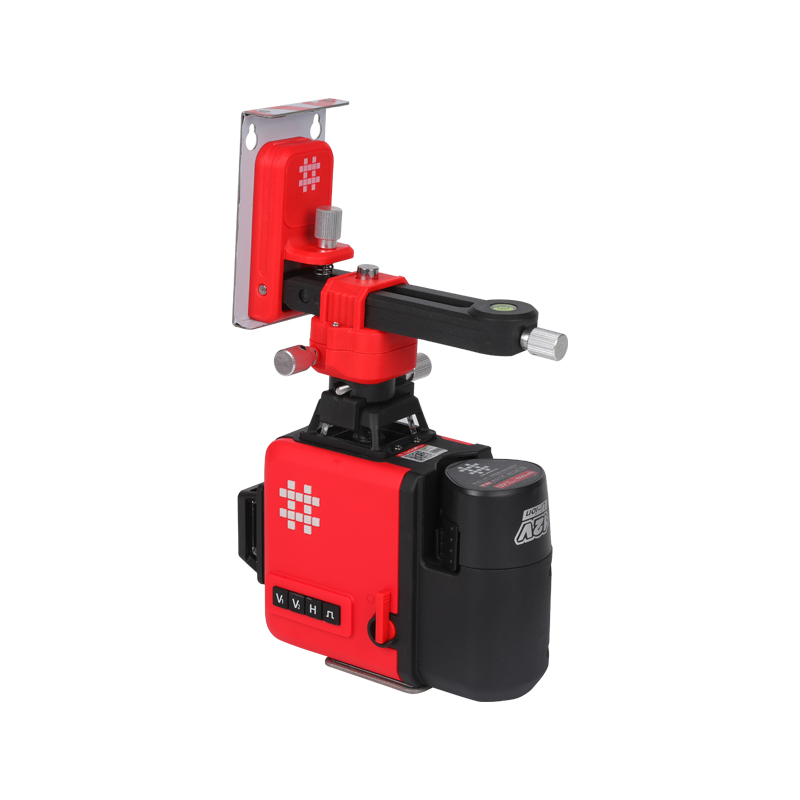
.jpg "7859F 12 (3D) Lines Laser")
.jpg "1220 Level Ruler")
-1.jpg "P610 Suction Cup")